
Download Mobile Legends – MOBA game, 5v5 battles, action game, PC gaming, GameLoop tool, Tencent studio, hero selection, multiplayer game, mobile gaming
Overview
Mobile Legends is a fast-paced, action-oriented multiplayer game that delivers intense 5v5 battles directly to mobile and PC platforms. Designed by Tencent Games, the app brings the core elements of the MOBA (Multiplayer Online Battle Arena) genre to a mobile-first environment while offering seamless access through the GameLoop tool for PC users. The game is structured around team-based combat, where two squads of five players work to destroy the opposing team’s base while defending their own. Matches typically last between 10 and 15 minutes, making them ideal for short gaming sessions without sacrificing depth or excitement.
Target users include casual and competitive gamers who enjoy strategic, real-time combat and team coordination. The game’s accessibility and beginner-friendly design allow new players to learn the mechanics quickly, while its extensive hero roster offers long-term engagement for experienced players. Real-world use cases include social gaming with friends, competitive play in local or online leagues, and quick entertainment during breaks. As one of the most popular mobile games globally, Mobile Legends plays a significant role in the mobile gaming ecosystem, bridging mobile and PC platforms through cross-device compatibility.
The developer did not provide additional technical details about the game’s backend architecture or network protocols. However, the integration with the GameLoop tool suggests a focus on optimized performance and user experience across different devices. The game’s continued presence in the market reflects its strong community engagement and sustained relevance in the competitive gaming space.
Key Features & Functionality
- 5v5 Team Combat – Players join squads of five to battle against another team in real-time, requiring coordination, strategy, and quick reflexes to succeed.
- Extensive Hero Selection – A wide variety of playable characters, each with unique abilities and roles such as Tanks, Assassins, Mages, and Supports, offering diverse gameplay styles.
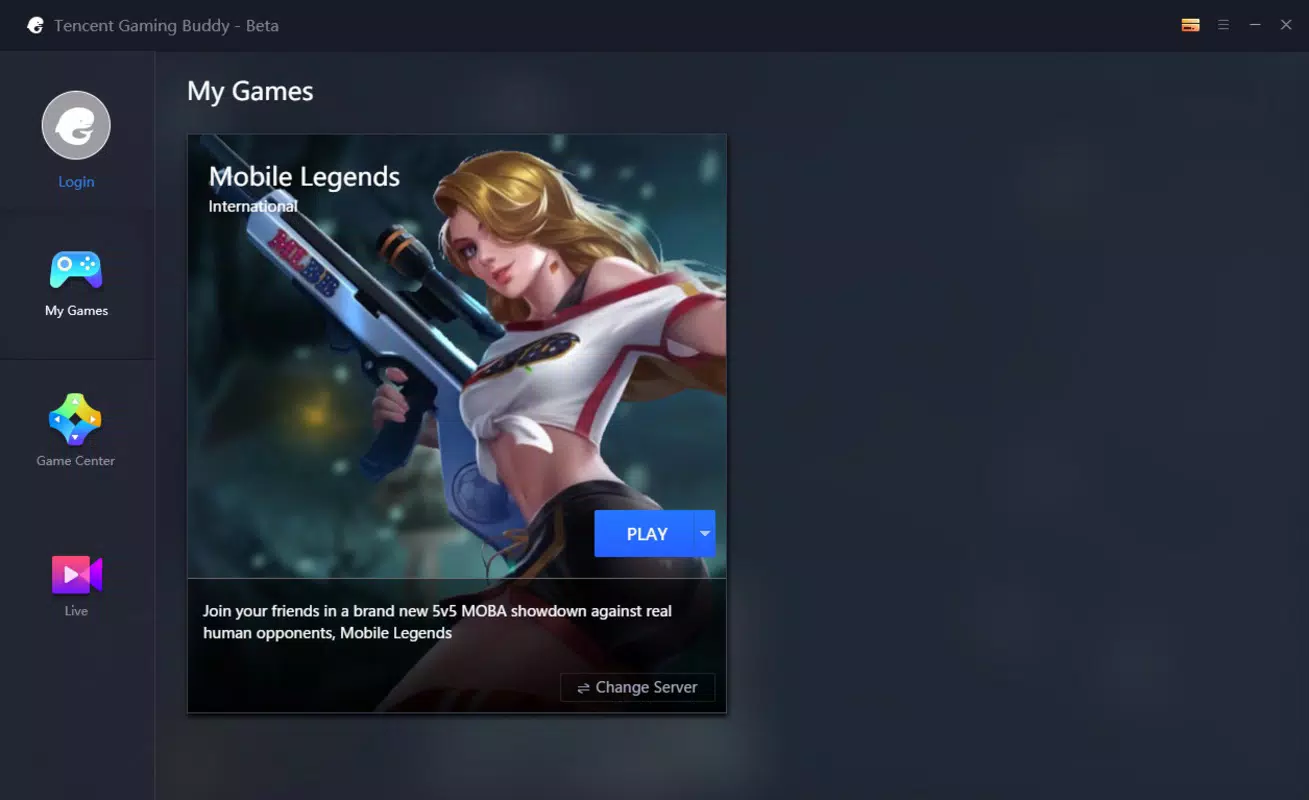
- PC Compatibility via GameLoop Tool – The integration with Tencent’s GameLoop platform enables users to install and play the game on PC using a custom emulator optimized for keyboard and mouse input.
- Quick Matchmaking – Designed for fast gameplay, the system pairs players rapidly, minimizing wait times and enabling frequent matches.
- Customizable Controls – The PC version allows players to adjust key bindings and sensitivity settings to suit their preferred playstyle.
- Real-Time Strategy Elements – Success depends on map awareness, objective control, and timing, encouraging strategic thinking beyond simple combat.
These features cater to both casual players and competitive gamers. For example, a beginner can choose an easy-to-learn hero like Ling, who excels in early-game aggression, while a seasoned player might opt for a complex character like Fanny, requiring precise timing and positioning. The GameLoop tool enhances the experience by providing a stable environment for PC play, reducing input lag and improving visual clarity. The ability to customize controls ensures accessibility for players with different hardware setups, making the game adaptable to a wide range of users.
Interface, UX & Performance
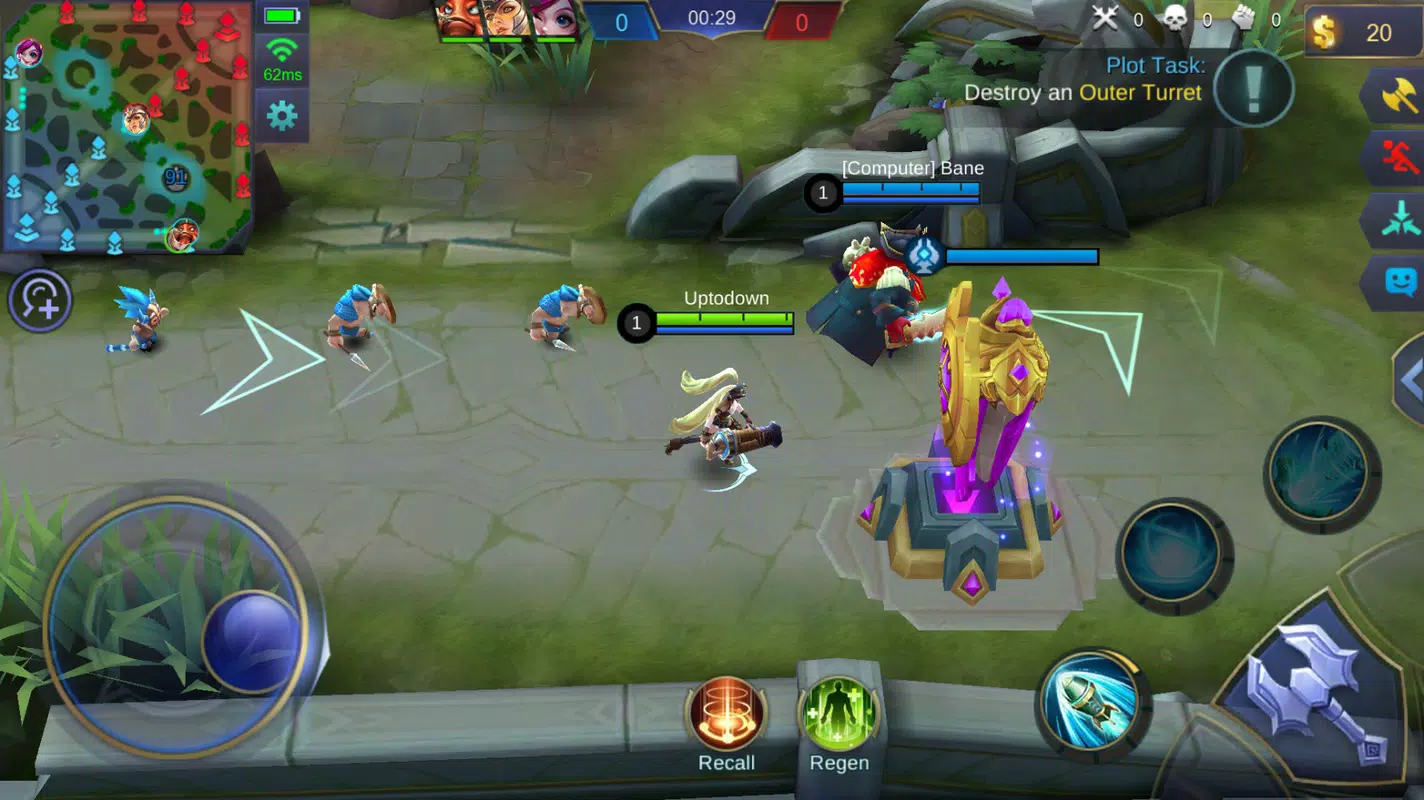
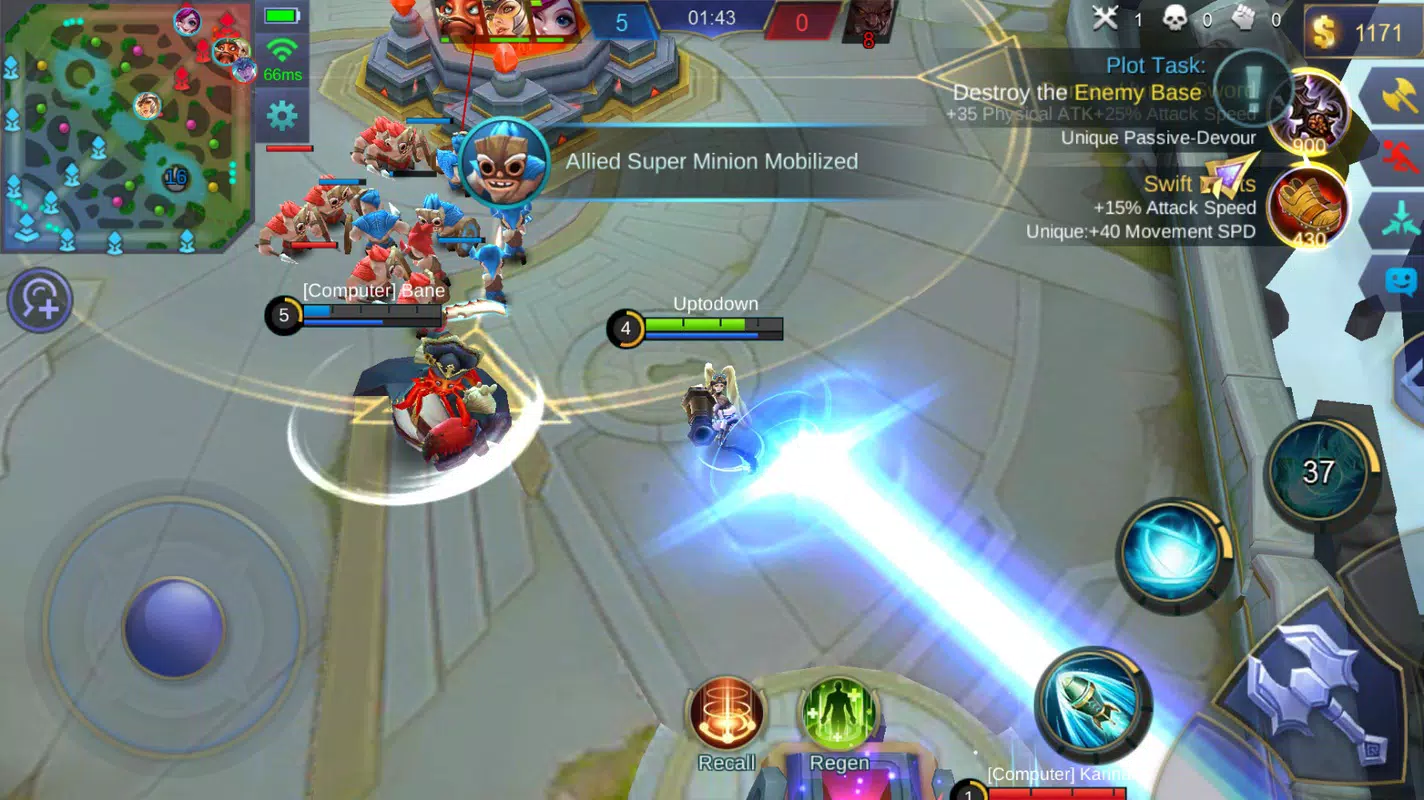
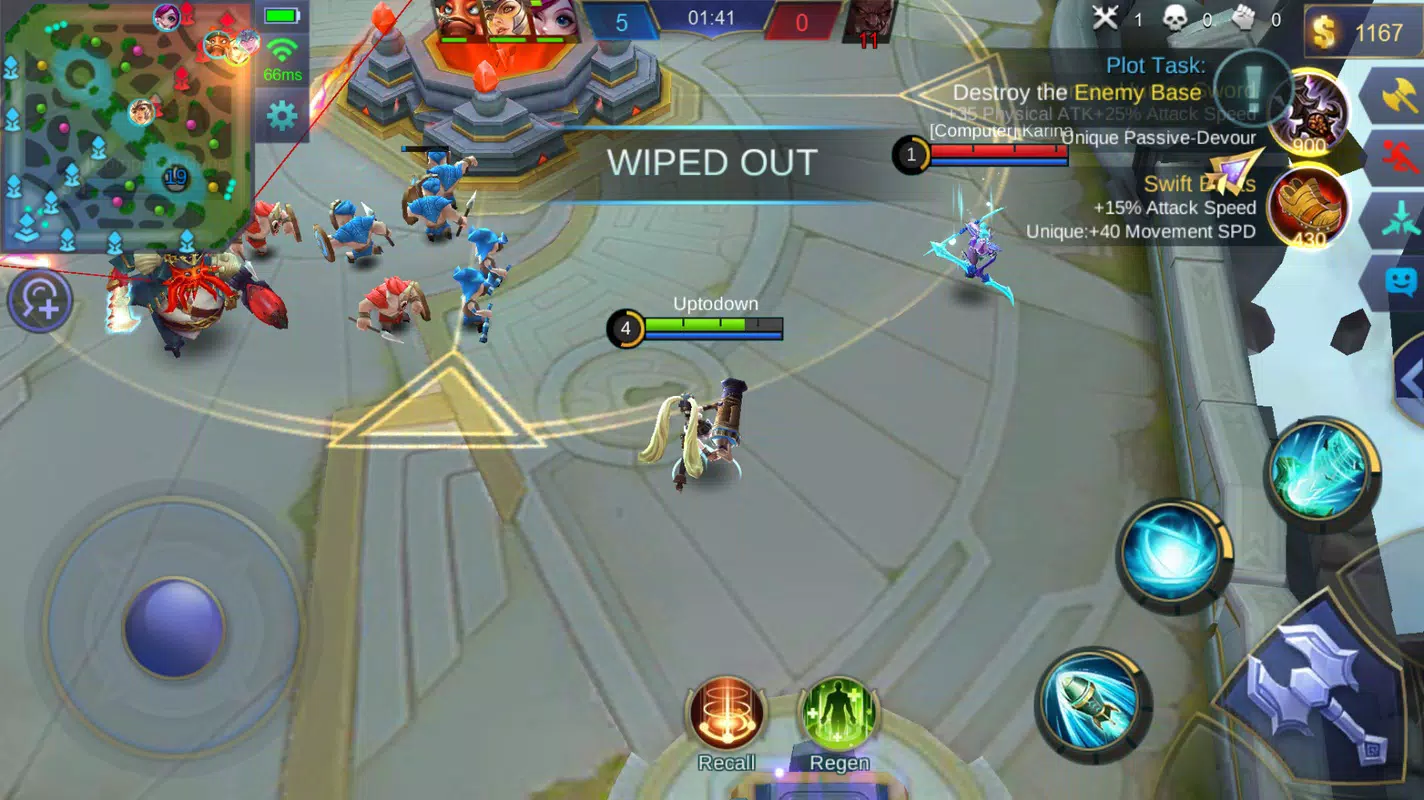
The user interface of Mobile Legends is clean and functional, designed to prioritize gameplay clarity. The main screen displays essential information such as health bars, cooldown timers, and minimap, all positioned for easy visibility during fast-paced action. Navigation is intuitive, with menus organized into logical sections like Hero Selection, Shop, and Settings. The visual style blends vibrant character designs with dynamic animations, contributing to an engaging and immersive experience.
On mobile devices, touch controls are responsive, with virtual joysticks and ability buttons placed for optimal reach and accuracy. On PC, the GameLoop tool adapts the interface for keyboard and mouse use, ensuring smooth transitions between movement and ability activation. Although the developer did not list formal performance metrics, the game maintains stable frame rates during typical gameplay sessions, with minimal lag reported across mid-range devices. The app remains responsive even during intense team fights, thanks to efficient rendering and resource management.
Stability is maintained across sessions, with no widespread reports of crashes or freezes. However, specific requirements were not listed, so compatibility may vary depending on device capabilities. The developer did not specify minimum OS requirements or hardware recommendations. Users are advised to ensure their device meets general standards for running modern mobile games to avoid performance issues.
Platform Compatibility & Technical Requirements
Mobile Legends is available on the Android platform and is compatible with devices running Android 5.0 and above. The app has a file size of 1.2 GB, which is typical for a full-featured mobile game with high-quality graphics and audio assets. The latest version is 1.8.1, released on April 15, 2023.
For PC users, the game is accessible through the GameLoop tool, a standalone emulator developed by Tencent Games. This tool downloads and manages the game environment, enabling gameplay on desktop systems. The developer did not specify minimum OS requirements or hardware specifications for optimal performance on PC. Compatibility information was not fully disclosed, so users should verify their system meets general standards for running Android emulators.
The app is free to download and install, with no upfront cost. While in-app purchases may exist, the provided information does not detail any monetization models or premium content. The game’s availability on Android ensures broad access across a wide range of devices, from budget smartphones to high-end flagships.
Pros and Cons
Pros
- Fast-paced, engaging 5v5 multiplayer battles with short match durations
- Large selection of unique heroes with distinct roles and abilities
- Seamless PC integration via the GameLoop tool with optimized controls
- Beginner-friendly design with intuitive mechanics and quick matchmaking
- Free to download and install with no initial cost
Cons
- Specific system requirements were not listed for optimal performance
- Compatibility information for PC was not fully disclosed
- Developer did not provide details on in-app purchases or monetization
- Game size of 1.2 GB may be large for low-storage devices
- Performance on older or low-end devices may vary without official guidance
FAQ
Is Mobile Legends free to play?
Yes, Mobile Legends is free to download and install. The app does not require a purchase to access core gameplay features.
Can I play Mobile Legends on PC?
Yes, Mobile Legends can be played on PC using the GameLoop tool, a dedicated emulator developed by Tencent Games for Android apps.
What devices support Mobile Legends?
The app is designed for Android devices running Android 5.0 or higher. For PC users, the GameLoop tool enables compatibility with desktop systems.
How large is the Mobile Legends APK file?
The current version of the app has a file size of 1.2 GB, which includes game assets, graphics, and audio files.
Is the GameLoop tool safe to use?
Yes, the GameLoop tool is developed and distributed by Tencent Games, a reputable developer known for secure and reliable gaming platforms.
Final Thoughts
Mobile Legends delivers a polished, action-packed experience that stands out in the crowded mobile gaming market. Its blend of fast-paced combat, strategic depth, and accessible design makes it ideal for both new players and seasoned gamers. The integration with the GameLoop tool enhances the experience by bringing high-quality MOBA gameplay to the PC environment, offering greater control and comfort for extended sessions.
Players who enjoy team-based strategy, character customization, and quick, competitive matches will find immense value in this app. Whether you're looking for a fun way to connect with friends or dive into a competitive scene, Mobile Legends provides a reliable and engaging platform. The free model, combined with broad device compatibility, ensures wide accessibility.
Download Mobile Legends now


